
Remote Diagnostics & ECU Programming —
With the OEM Tools You Already Use
Maps your workshop VCI to your PC over the internet — your OEM software sees it as local.
Free trial · Windows only
Always free for on-site teams
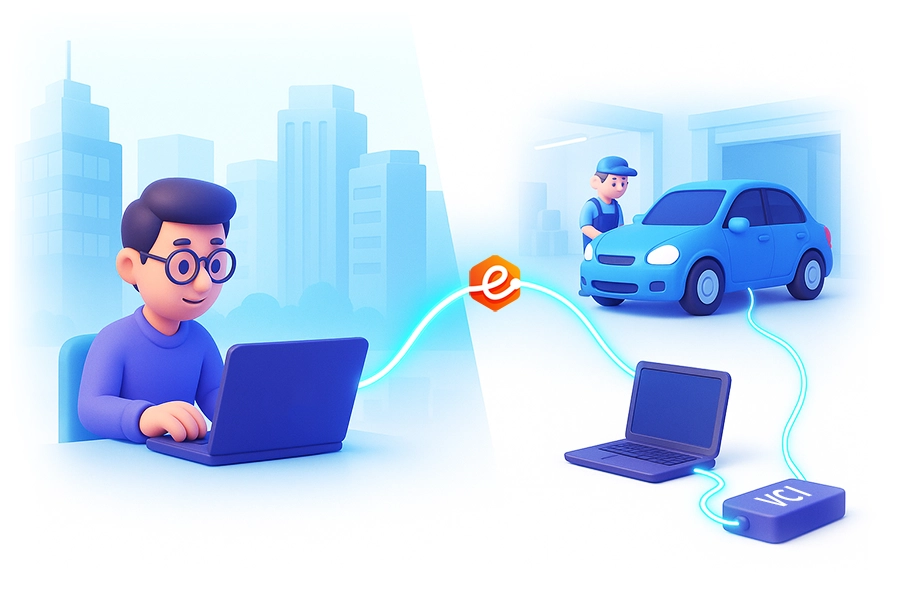


Two roles. One session. Full remote diagnostics.
The on-site VCI is mapped to the Technician’s PC at device level — your OEM software sees it as a local USB or network interface, with no remote desktop involved.
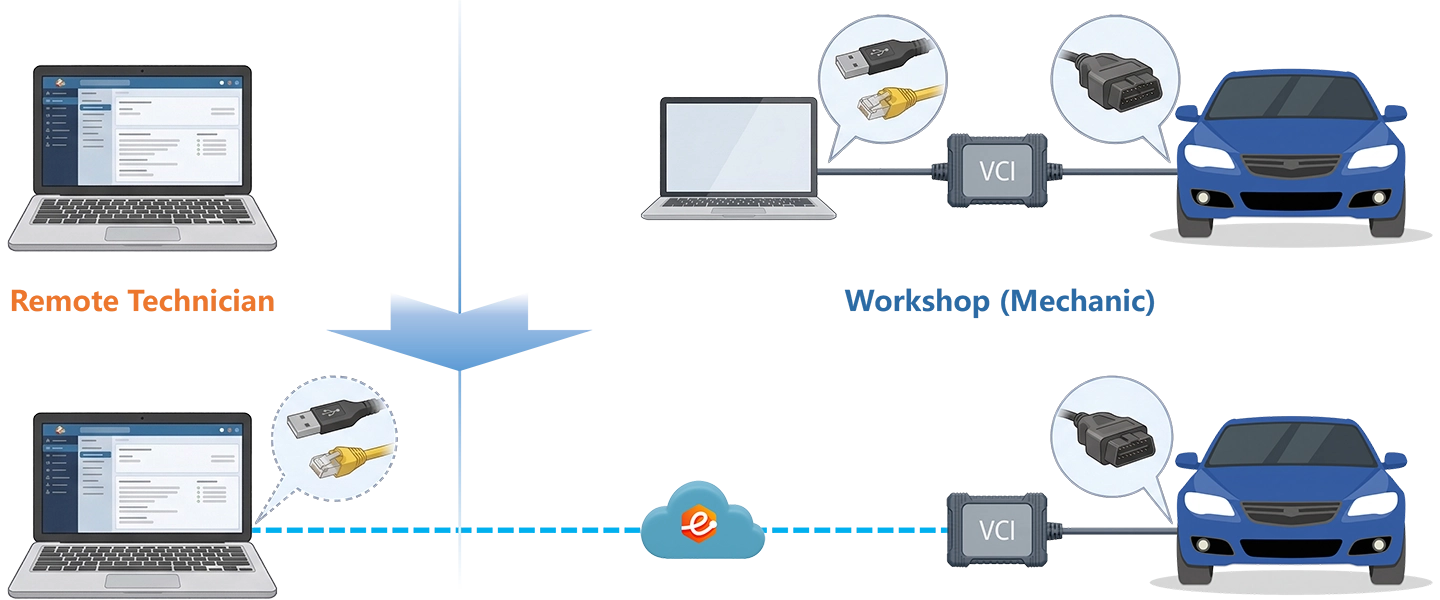
- Install the Technician app and sign in
- Accept the job via passcode or team mode
- Run your OEM software — VCI appears as a local device
- Connect VCI to the vehicle and on-site PC
- Install the Mechanic app and create a job
- Share the VCI — Technician connects remotely
Built for real shop conditions
Supporting USB J2534 VCIs, Ethernet and DoIP network devices, and RNDIS-based interfaces — no hardware changes needed.


Built for every team that delivers remote expertise

Add remote services with the OEM tools you already trust — without changing your workflow or buying new hardware.
Learn more →
Deliver remote technical support through your experts, with controlled access and optional branded deployment.
Learn more →
Scale your expert team across every location with role-based access and governed remote sessions.
Learn more →Works with the tools already in your workshop
eLinehub maps your existing VCI over the internet — no new equipment, no changes to your OEM software setup.
Remote XENTRY diagnostics & ECU programming via SD Connect
Learn more →Used by remote diagnostic teams worldwide
From independent specialists to multi-site workshop networks — across North America, Europe, and beyond.
“SD Connect mapped on the first attempt. Ran a full XENTRY session including SCN coding — behaved exactly as if the cable was on my own bench. Setup took less than five minutes.”
“I support workshops across three countries. No regional blocks, no workarounds — ODIS runs the same way regardless of where the shop is. That alone makes eLinehub worth it.”
“Running Pathfinder sessions from Australia into workshops overseas. The connection held clean through a full module programming routine — no drops, no retries.”
“ISTA picked up the ENET cable as a local device immediately. No network configuration, no extra steps. Completed a ZF transmission coding sequence without a single interruption.”
Start delivering remote diagnostics today
Free trial — no credit card needed to get started.